
One payer, many employees
Keep the company card on the company account. Employees create from the shared balance instead of buying credits one at a time.
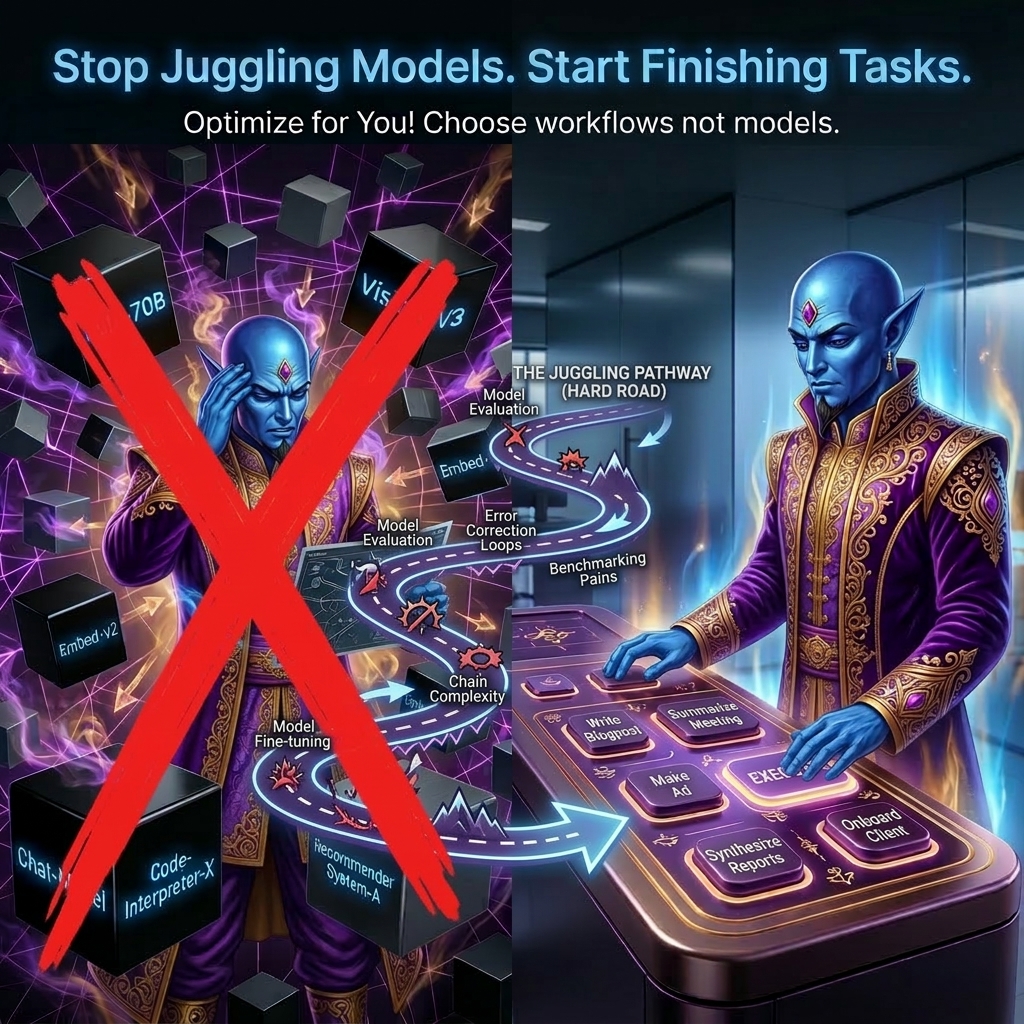
Magic Genie for Teams
Give every employee access to production-ready AI workflows without handing out company cards, personal API keys, or raw model prompts.
Keep the company card on the company account. Employees create from the shared balance instead of buying credits one at a time.
Invite employees, choose their paid plan tier, and let the manager cover the subscription from one team account.
Monthly team credits renew into the organization account so useful capacity does not get stranded across personal accounts.
Create organization-scoped keys for agents, scripts, and internal tools that should bill to the team account.
Team plans
Managers pay for employee accounts with the same Pro, Studio, and Agency plans. Each paid seat adds monthly credits into one shared team balance.
For solo creators who need a steady monthly allowance.
180 credits
per seat monthly
Shared billing
one team payer
For power users who want the best recurring value.
500 credits
per seat monthly
Shared billing
one team payer
For teams managing higher monthly throughput.
1100 credits
per seat monthly
Shared billing
one team payer
Common buying needs
Reduce tool sprawl, give employees access, keep billing centralized, and make creative output repeatable across the team.
Managers comparing team-ready AI software with billing, seats, and employee access.
Marketing, ecommerce, and operations leads who need many employees generating production assets.
Finance-minded buyers trying to avoid card sharing, reimbursements, and scattered subscriptions.
Managers looking for repeatable workflows instead of raw model prompts and one-off experiments.
Owners and team leads who need seats, invitations, roles, and centralized account control.
Technical managers who want scripts and agents to run under company billing, not personal keys.
Marketing leads producing ads, social images, product visuals, and campaign assets.
Store managers and marketplace teams upgrading catalog photos, listing images, and product mockups.
Owners who want practical AI workflows that non-technical staff can use without prompt engineering.
Managers who need enough visibility to discuss budget, adoption, and recurring creative work.
How it works
Magic Genie keeps billing, seats, credits, and organization API keys under the team account while each employee focuses on the workflow they need to finish.
The owner starts the team, chooses a plan, and keeps billing tied to the organization.
Members join the organization and use the team balance for approved work.
Employees choose production workflows for images, merch, ecommerce, trades, marketing, and more.
The team balance, member activity, and organization keys stay connected to the same payer.
Team FAQ
Create an account, choose a team plan, and invite employees to the organization. The team pays from one account while members use the shared credit balance.
Yes. Team plans are built so the organization pays while members use the shared team credit balance.
Yes. Employees can use the organization balance instead of putting a card on their personal account.
Team admins can buy paid seats from the same Pro, Studio, and Agency plans used by individual accounts.
The owner creates the team, selects the plan, invites members, and keeps billing tied to the organization account.
Yes. Organization-scoped API keys let agents, scripts, and internal tools bill runs to the team account.
Monthly credits renew into the organization account. Employees and organization API keys can draw from that shared balance for approved work.
Yes. Team management supports invitations, memberships, roles, and seat limits for the organization.
Team billing supports checkout and saved-card credit purchases so the organization can top up the shared balance.